Promote your project on DYOR
Promotion on DYOR is now self-serve. Pick your token or dapp, pay once from your TON wallet, and it goes into the ticker at the top of DYOR’s pages, and into the tokens table, Trending, token pages and search while it is among the newest.

DYOR now has a page where you promote your token or dapp yourself: dyor.io/promote. Choose your project, pay once from your TON wallet, and it goes into the promotion ticker at the top of DYOR’s pages once the payment is confirmed. There is no application to fill in and no reply to wait for.
What you can promote
- Tokens on TON, except those DYOR flags as scam. The page and the purchase form refuse such a token and say why.
- Any dapp from the DYOR catalogue.
Where your project appears
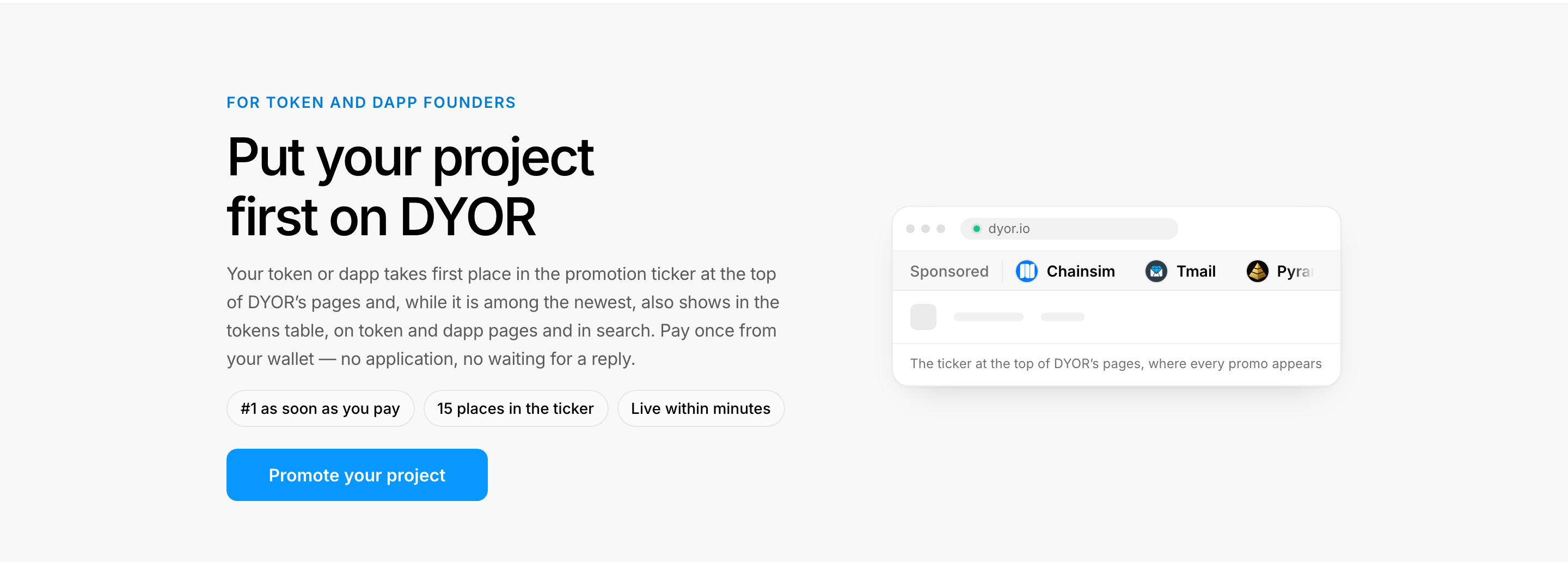
Every promo goes into the ticker at the top of DYOR’s pages, marked Sponsored. The ticker holds 15 places, #1 to #15. With three promos or more it scrolls on every page and keeps its place as a visitor moves from page to page.

While your promo is among the newest, it also shows where traders pick tokens and dapps:
- Tokens table. The newest token gets its own row above rank 1, on the home page and on /token.
- Sponsored card on /token. The next five tokens, beside the top token lists.
- Token pages. The three newest tokens, in a Sponsored list beside the swap on other tokens’ pages.
- Trending dapps. The newest dapp comes first in Trending, on the home page and on /dapps.
- Similar dapps. A promoted dapp on other dapps’ pages, one from the same category first.
- Search. The newest token and dapp when a visitor opens search, and the first three promos when a search finds nothing.
Every one of these is marked Sponsored and links to your project’s page on DYOR. The Where your project appears section on /promote keeps this list up to date.
How the queue works
You buy a place in the queue, not a period of time. As the How the queue works section on /promote explains it, you enter at #1, each newer promo moves yours back one place at most, and yours leaves the ticker once 15 newer promos are bought. A project bought more than once shows once, in its newest promo’s place.
How long that takes depends on how fast others buy. The same section shows the live numbers: how many promos are In the ticker now, when the Latest purchase was made, and an Estimated stay at the pace of recent purchases. The estimate is not a guarantee.
Prices
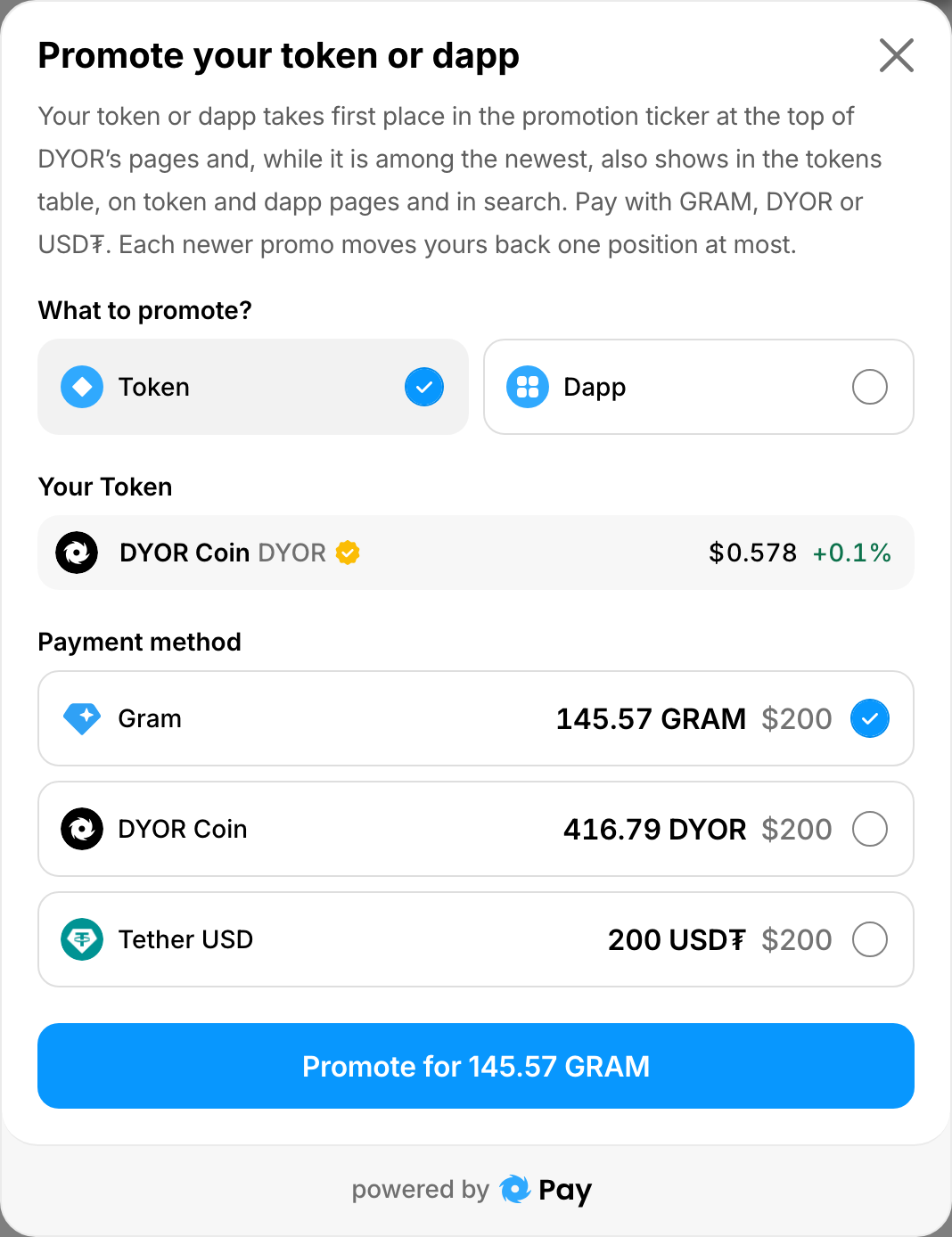
The Price section on /promote has one card per payment token, with the amount and its value in dollars. You pay with GRAM, DYOR or USD₮. On 15 October 2026 a promo cost $200 in each of them: 200 USD₮, or the same sum in GRAM or DYOR at the current rate. When paying in DYOR costs less, its card shows the saving. You choose the payment token in the form, and the form shows the current price before you confirm.
How to buy
- Open dyor.io/promote. It is Promote in the header, and Promote your project in the Explore menu and the footer. If you own a token, the Do you own this project? card on its DYOR page has Promote this token. If you run a dapp, My Dapps has Promote next to each of your dapps. Both open /promote with your project already chosen.
- Press Promote your project, or Promote and your project’s name if you came from its page.
- In What to promote?, choose Token or Dapp. Find your token by name or contract address in Your Token, or start typing your dapp’s name in Your Dapp.
- In Payment method, choose the token you pay with.
- Press Connect wallet and connect your TON wallet with TON Connect. The button then reads Promote for and the price.
- Confirm the transaction in your wallet. If you pay with DYOR or USD₮ and your wallet holds less than the price, DYOR first shows Not enough tokens to pay: buy the token, or proceed if you have it.
After you pay
/promote turns into your receipt, Your promotion, at an address of its own: dyor.io/promote?order=…. Bookmark it if you want to come back.
The receipt shows the order’s status and its Order ID. Keep the Order ID: if something looks wrong, for example the promo does not appear in the ticker, contact support with it. Your last five orders are listed under Your recent promotions at the bottom of /promote; they are saved in this browser only.
Who sees it
Visitors without DYOR Membership, in every placement above. Members use DYOR without ads, so they see none of them. Members can still promote their own project; the receipt reminds them that every other visitor sees it. What membership includes: DYOR Membership.
A bigger campaign
For banners, several placements or a package, use Custom campaign at the bottom of /promote. It opens the request form.
Boosts are something else
Boosts are not a placement. They lift a token in the ranking by boosts on /token. Token boosts on DYOR explains how they work.