Token boosts on DYOR: how they work
Boosts are how you back a token on DYOR. Each one lifts the token in the Most boosted ranking. How to boost a token, how the payment works, where to see who boosted, and how boosts differ from reactions.

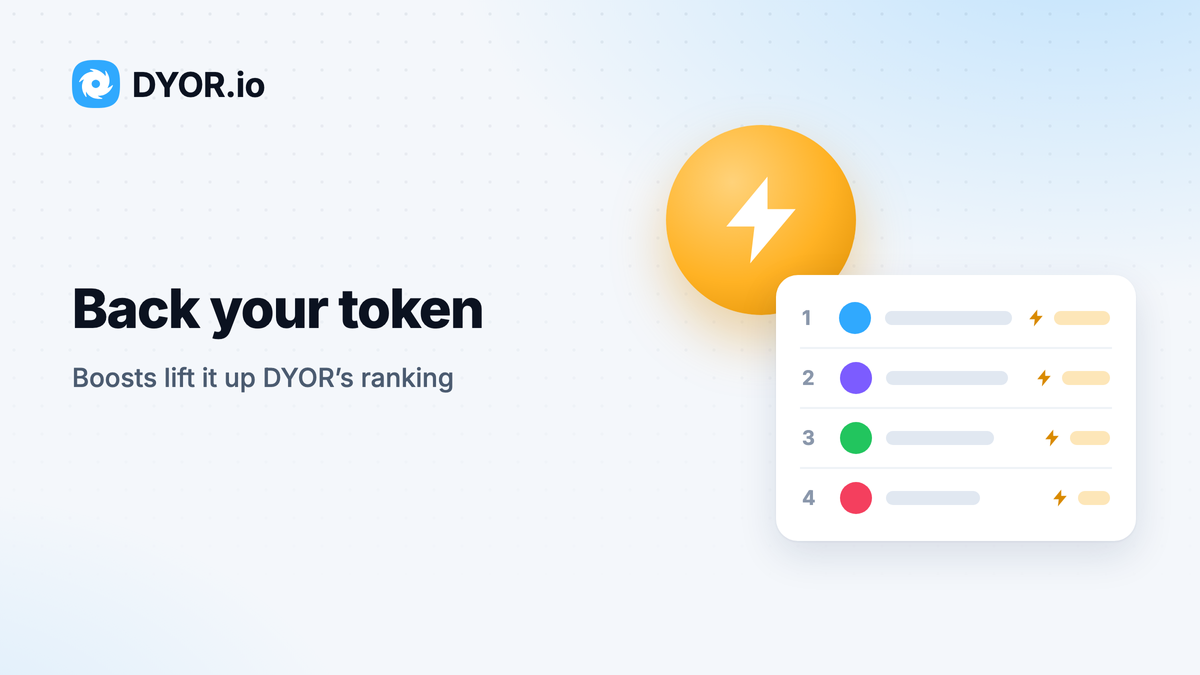
Boosts are how you back a token on DYOR. Every boost adds to the token's total, and the total sets its place among the most boosted tokens. Boosts replaced voting: older posts on this blog that talk about votes describe what are now boosts.
What a boost does
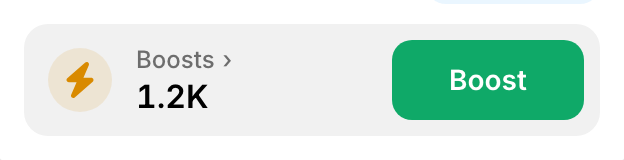
Every token page has a Boosts card with the token's total. That total ranks tokens in one view of the tokens table. Press Most boosted above the table on the tokens page to open it: tokens are ranked by boosts, with the Boosts column second. The same order is in Rank by → Boosts.
Boosts currently don't expire: a boost stays in the token's total and, for now, nothing resets at the end of a month or a year.
How to boost a token
- Open the token's page. The Boosts card sits under the question "How do you feel about $SYMBOL today?": an amber lightning bolt, the total and a Boost button. The Boosts › label on the card links to the ranking.
- Press Boost. If your wallet is not connected, press Connect wallet first.
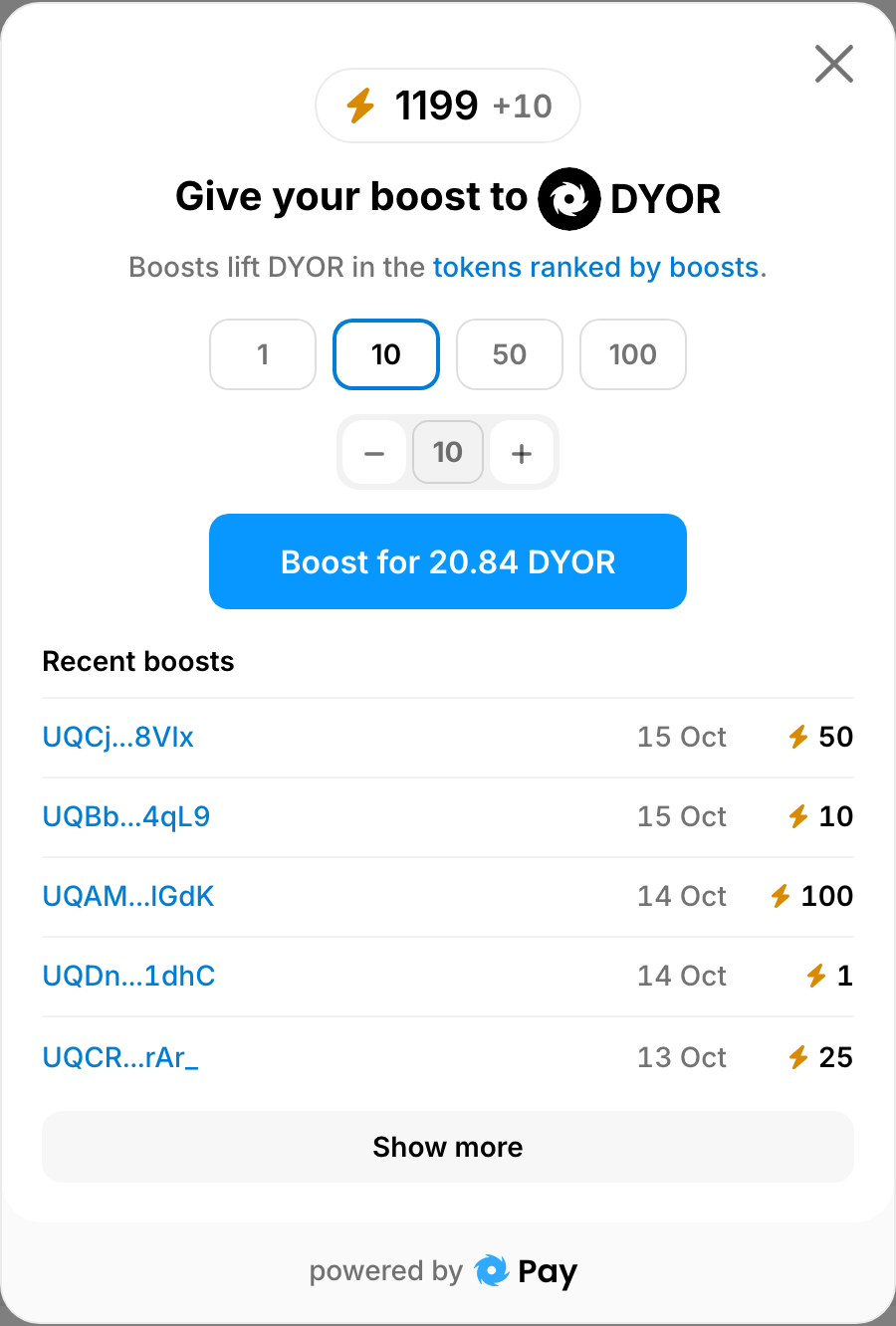
- Pick an amount under Number of boosts: 1, 10, 50 or 100. You can also set any number with − and +, or type it in.
- The pay button shows the price of that many boosts: Boost for the amount and the coin. Boosts are paid in DYOR Coin: on 15 October 2026 one boost cost 2.08 DYOR, and 10 boosts 20.84 DYOR. The price follows the coin's rate, so the button always shows the current one. Press the button and confirm the transfer in your wallet.
- If your wallet holds too little of that coin, you will see Not enough tokens to pay. Buy … opens the swap for that coin in a new tab; Proceed, I have … sends the payment anyway.
- The button says Processing until the payment is confirmed. Then "Thanks! Your boost has been successfully counted." appears and the total grows. If the confirmation takes longer than 3 minutes, DYOR tells you the payment is still being confirmed; your boosts appear on the token as soon as it goes through.
Tokens that DYOR flags as a scam have no Boosts card.
Who boosted
The boost window lists Recent boosts: the wallet, the day and the number of boosts. A wallet opens on gram.org. You see the latest five, and Show more adds 20 at a time.
Boosts and DYOR Membership
The DYOR Membership plan cards list Boosting power, marked SOON: it is not part of any plan yet. What membership gives you today is in DYOR Membership.
Reactions are something else
Above the Boosts card, "How do you feel about $SYMBOL today?" offers emoji reactions. They are free and show how people have felt about the token over the last month. You can react once a day, and a reaction expires after 30 days. Reactions do not change a token's place in any ranking; boosts do.
For founders
Boosts lift a token in one ranking. To show your token or dapp across DYOR, in the ticker at the top of DYOR's pages, the tokens table, token and dapp pages and search, read Promote your project on DYOR or go straight to Promote.