DYOR Membership: no ads, filters, your own columns and CSV export
What DYOR Membership gives you today: no Sponsored units anywhere on DYOR, advanced filters and your own columns in the tokens table, CSV export and your tier in the wallet menu. Plus how to buy it, cancel it and renew it.

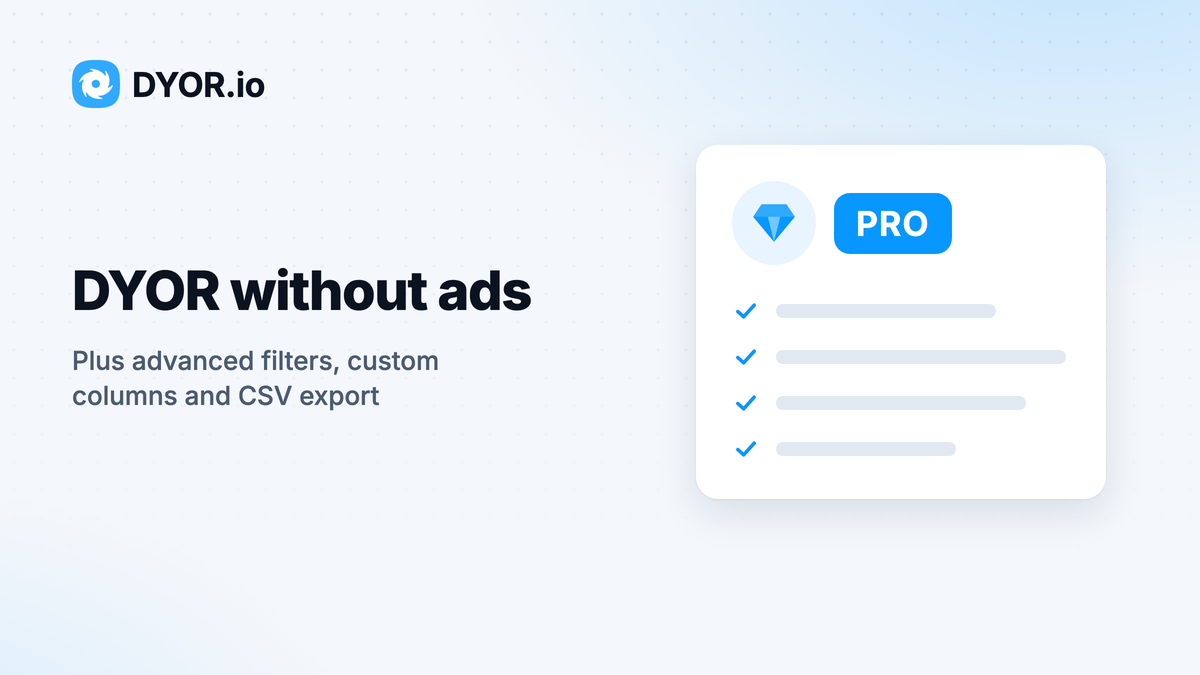
DYOR Membership is a monthly plan for people who use DYOR every day. It takes the ads off the site and unlocks the tools in the tokens table that are locked without it: advanced filters, your own columns and CSV export. Here is what you get, how to pay for it and how to keep it running.
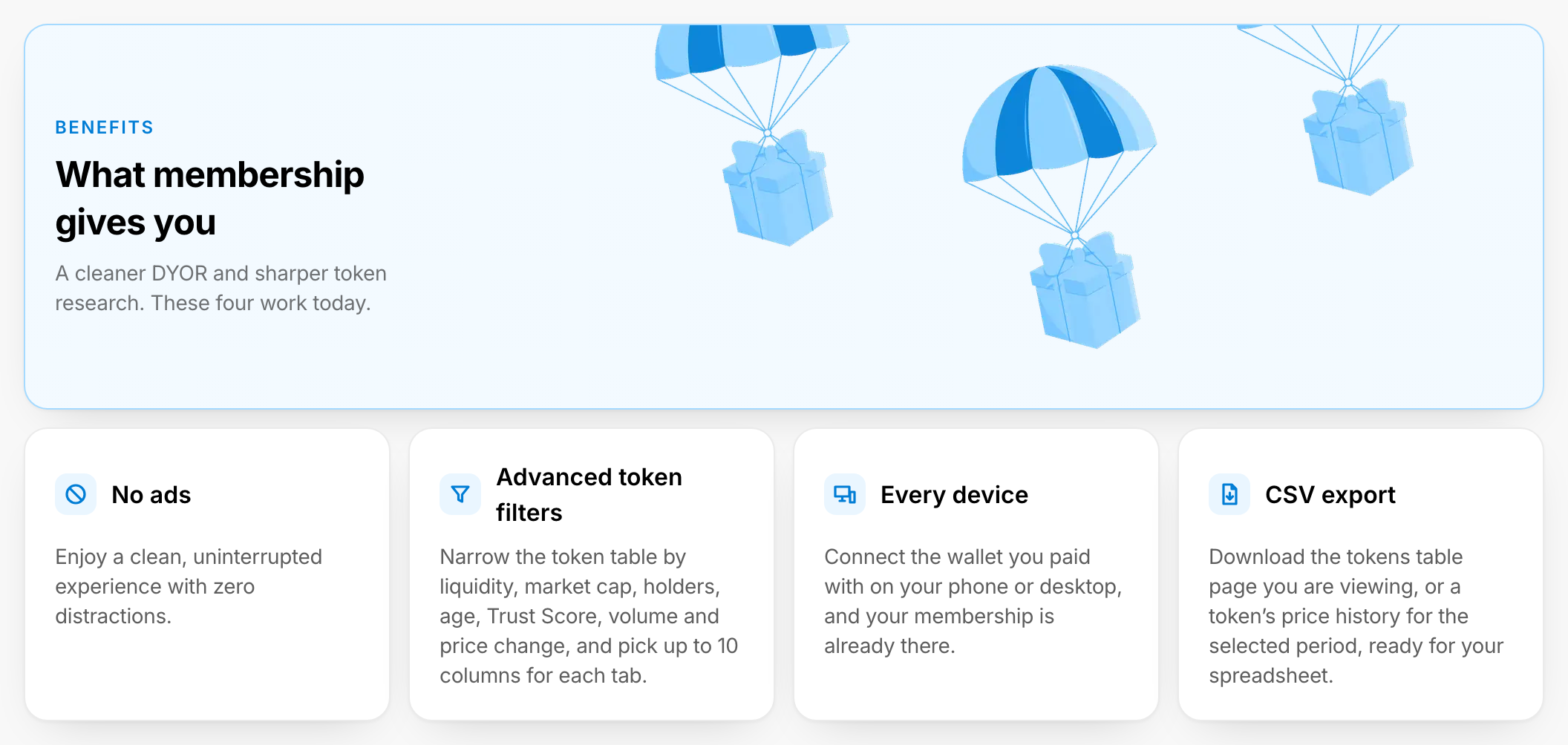
What a member gets
No ads
Without membership, you see a Sponsored ticker above the header on DYOR's pages, plus Sponsored units in the tokens table, on token pages, in Trending dapps and in search. Members see none of them.
Advanced filters
Filters in the tokens table narrows the list by ranges: liquidity, market cap, FDV, holders, age and Trust Score, and volume, transactions, traders and price change over 1 hour, 6 hours, 24 hours or 1 week.
Your own columns
Customize lets you pick up to 10 columns for each tab of the tokens table and put them in your order. Without membership, every tab shows its default columns.
CSV export
Export CSV downloads the page of the tokens table you are viewing, or a token's price history for the period you picked on its Historical data page. The file holds raw numbers, ready for Excel or Google Sheets.
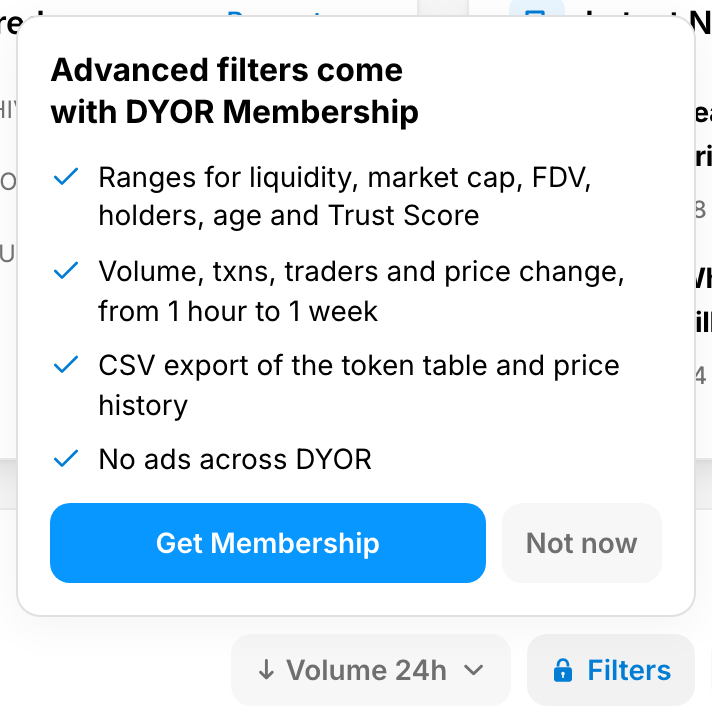
Without membership, Filters, Customize and Export CSV carry a lock. Each opens a short note on what it does, with Get Membership and Not now.
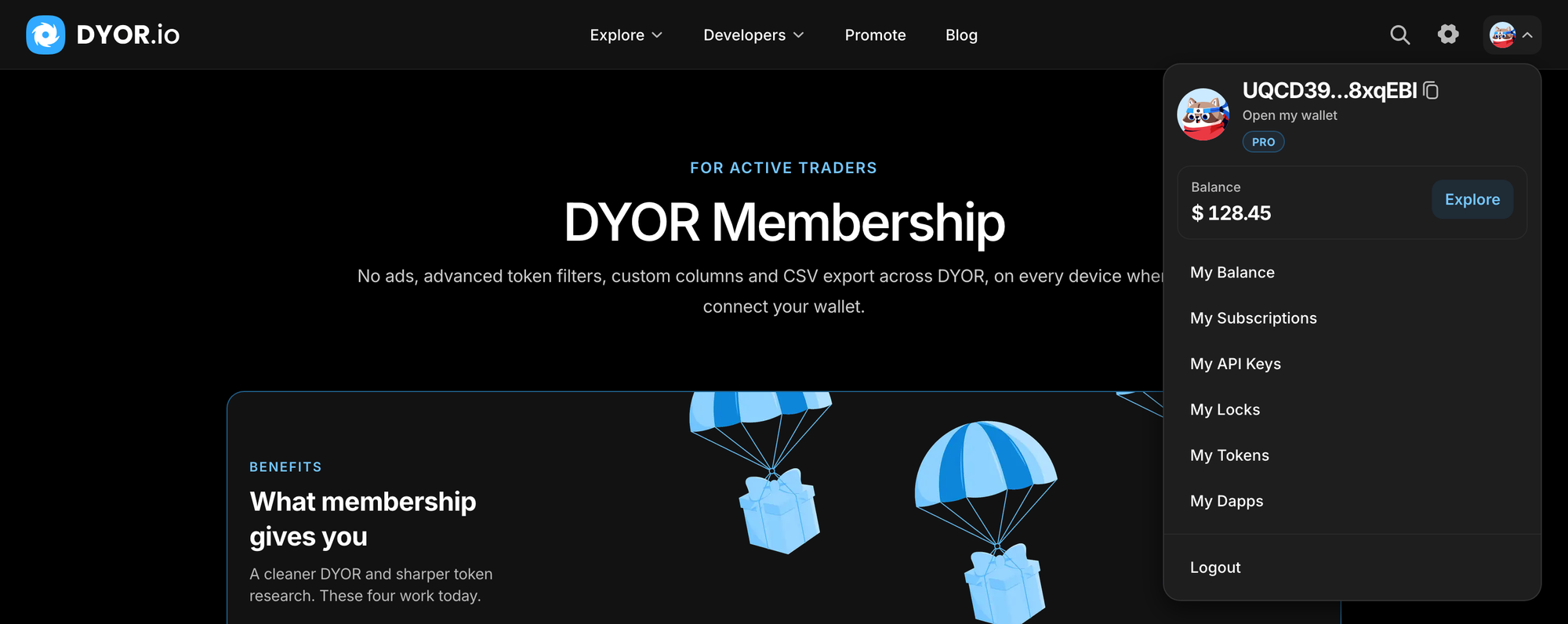
Your tier in the wallet menu
Open the wallet menu in the header: your plan, PRO or DYOR FELLOW, sits under Open my wallet.
The plans
The pricing section of DYOR Membership shows Free, PRO (marked Recommended) and DYOR FELLOW. Both paid plans give you everything above; DYOR FELLOW is the higher-priced tier. On 15 October 2026 PRO cost $9.99 a month and DYOR FELLOW $49.99 a month; the cards always show the current prices.
Some lines on the cards are marked SOON, Boosting power among them. Those are still in development and are not part of any plan yet. When one ships, its SOON label comes off the card.
How to get it
- Open DYOR Membership from the Explore menu, click No ads at the end of the ticker, or press Get Membership in any locked note.
- Press Get Started on the plan you want. If your wallet is not connected, the window asks you to connect it first.
- Membership is paid from your DYOR balance, which the window shows under Payment method. Press Get Subscription; the button shows the plan's monthly price.
- If the balance is too low, you will see Top up your balance to pay. Press Refill balance, choose a coin and send it from your wallet, then come back and pay. The balance is non-refundable and cannot be withdrawn, so top up only what you plan to spend.
- Your Subscription is active now confirms it.
Membership belongs to the wallet you paid with. Connect that wallet on your phone or your desktop, and your membership is already there.
Cancel, renew, and what happens when it ends
Your membership lives in Settings, on the Subscriptions tab, with its tier, status and date.
- Cancel. Press Manage, then Cancel subscription. Your membership keeps working until its end date.
- Changed your mind. On a cancelled membership, Manage → Renew subscription turns it back on. In its last 7 days, a bar above the header says how many days are left and links to the Subscriptions tab.
When a membership ends, the ads come back, and Filters, Customize and Export CSV lock again. The columns you picked stay saved in that browser and come back when you renew.